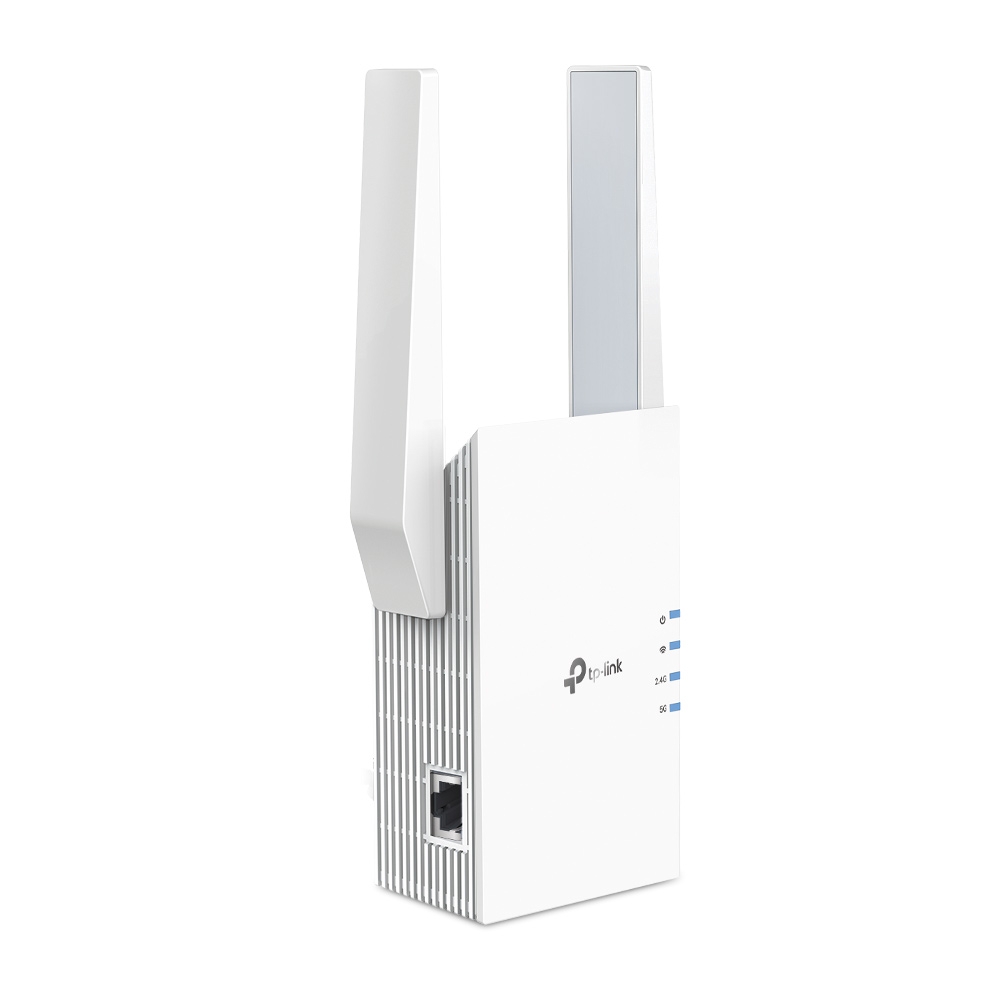
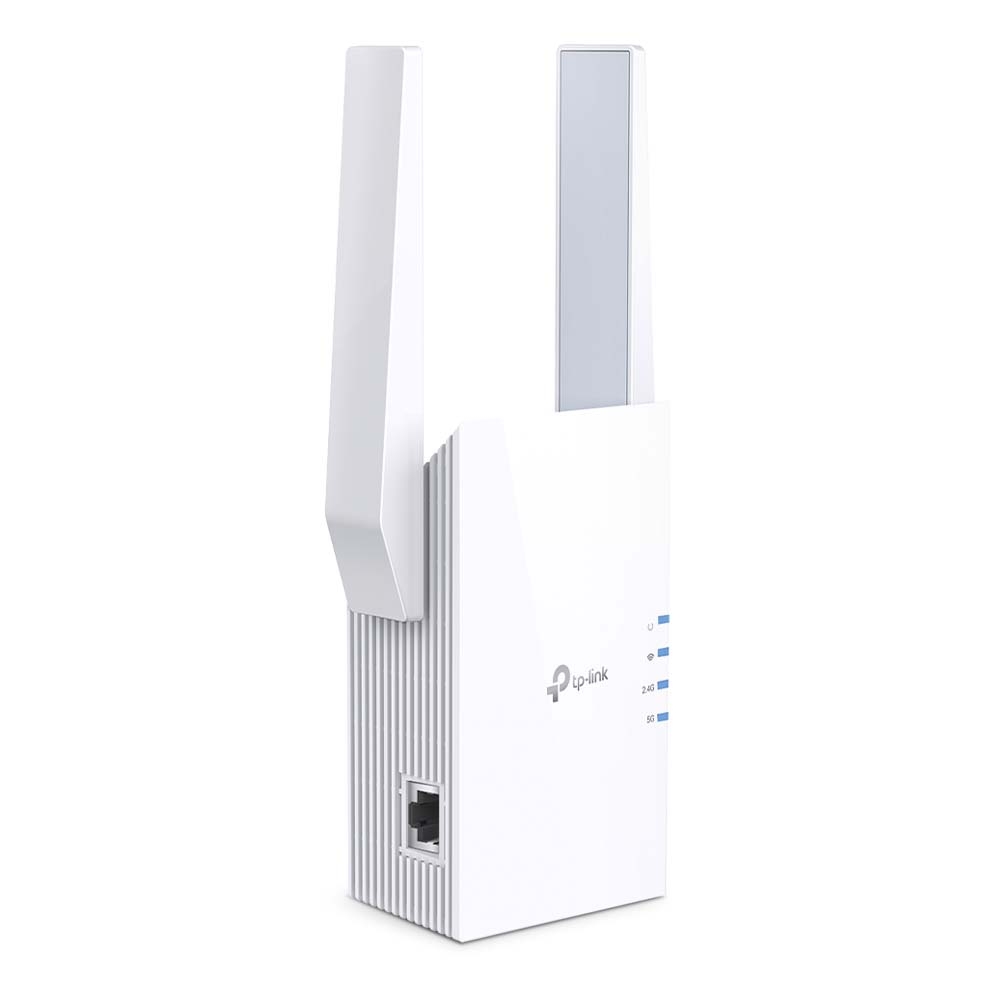
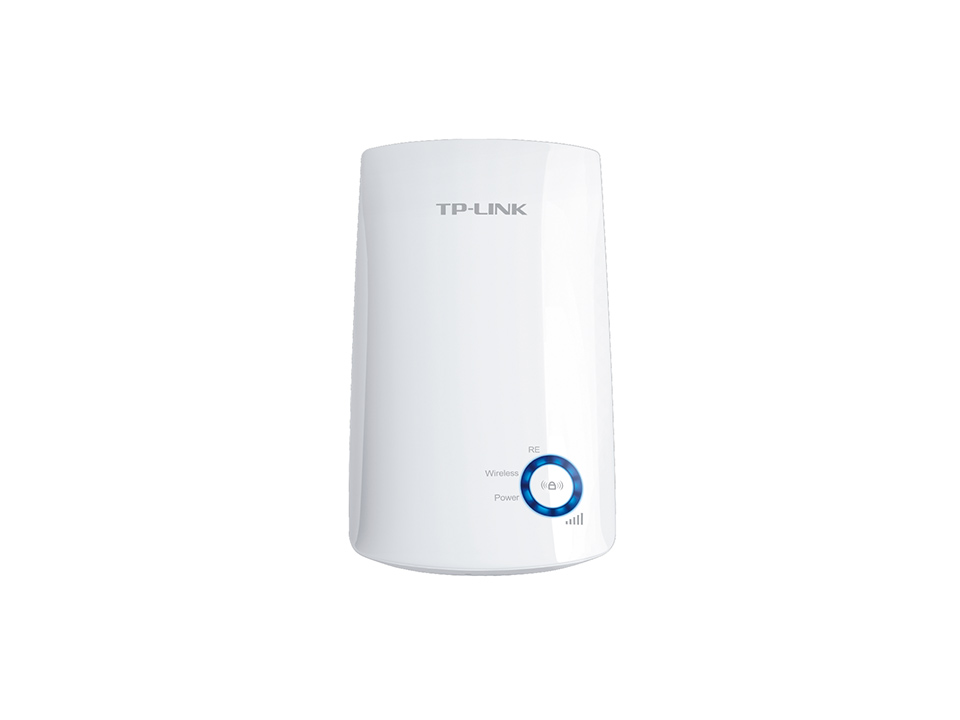
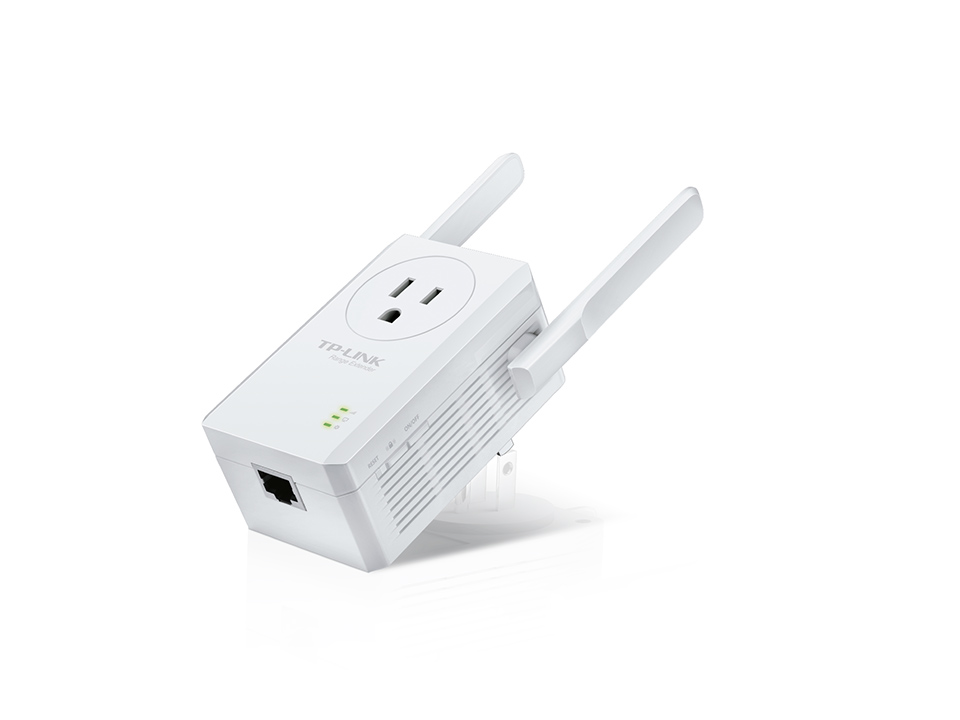
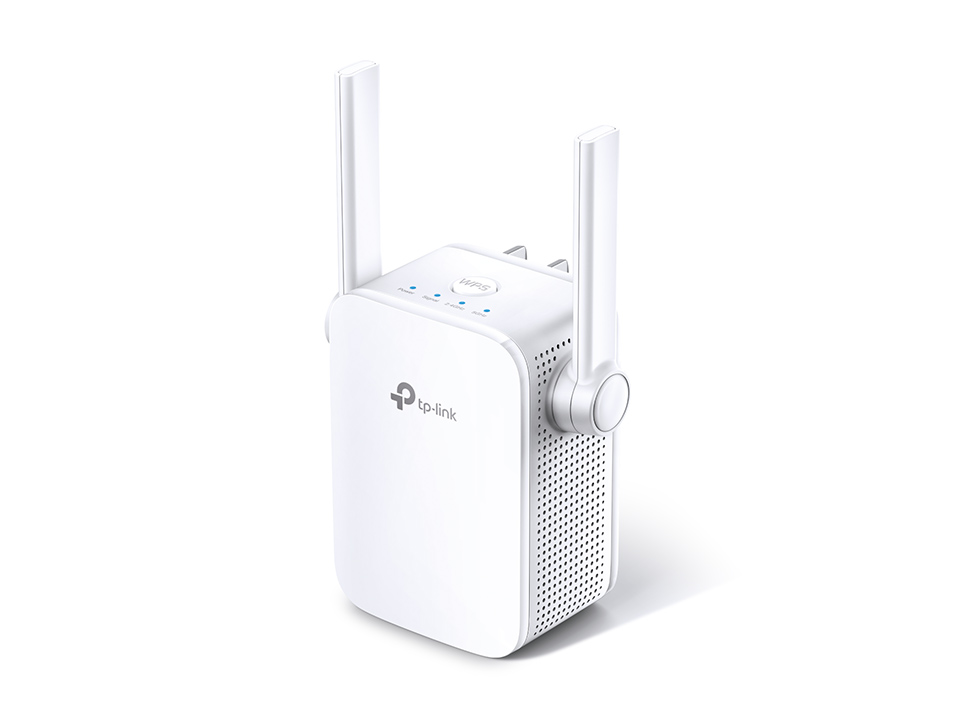
Expand Coverage of the Fastest Next-Gen WiFi AX1500 Range Extender RE505X Cutting-Edge?Wi-Fi 6 The latest WiFi technology eliminates annoying lag, endless loading, and dead spots. Enjoy the future of faster network?connections.1 2 5 GHz ??1200 Mbps 2.4 GHz ??300 Mbps ?Higher Speed ?Larger Capacity ?Ultra-Low Latency Works with Any WiFi Router 300 Mbps on 2.4 GHz 1200 Mbps on 5 GHz Fill Every Inch of Your Home with?Wi-Fi 6 The RE505X wirelessly connects to your router, boosting your Wi-Fi 6 signal throughout your home so you can binge-watch your favorite show anywhere. Dual-Band, More Benefits Adaptive Path Selection Keeps your network running at top-speed by automatically choosing the fastest connection path to the router. High-Speed Mode Use both WiFi bands to enjoy super-fast connections ?ideal for HD streaming and gaming. Built-In Access Point Mode RE505X is more than just a wireless range extender. Simply plug an Ethernet cable into its port to easily turn that wired connection into a high-speed dual-band wireless signal. TP-Link OneMesh?TM OneMeshTM?is a simple way to form a Mesh network with a single WiFi name for seamless whole-home coverage. Just connect an OneMeshTM?range extender to an OneMeshTM?router so you can stop?searching around for a stable connection. Smart Roaming Uninterrupted streaming when moving around your home One WiFi Name No more switching WiFi network names Easy Creation OneMeshTM?Router and OneMeshTM?Range Extenders pair instantly Unified Management Manage the entire network all from the TP-Link Tether app Traditional Router with Extender WiFi Router Extender OneMeshTM?Router Range Extender WiFi Whole Home Enjoy an AX Mesh Network with Your Existing Router Want a Mesh network? Hesitant about?whether you should replace your current router with a new Mesh set? 1Update your existing TP-Link router?s firmware to the OneMeshTM version?no need to replace anything. 2Connect the RE505X to the router. 3Enjoy your Mesh network = Existing Router RE505X Whole Home Mesh WiFi Check whether your existing router supports OneMeshTM?>> Control at Your Fingertips Set up and manage your WiFi through the?TP-Link?Tether app from your smartphone (Android, iOS), including?TP-Link?routers and range extenders. Specfication: WIRELESS Working Modes Range Extender/Access Point HARDWARE FEATURES Ports 1 Gigabit Ethernet Port Button WPS Button, Reset Button Input Power 100-240V~50/60Hz Power Consumption 10W Dimensions ( W x D x H ) 2.9?1.8?4.9 in. (74.0?46?124.8 mm) Antenna 2 External Antennas WIRELESS FEATURES Wireless Standards IEEE 802.11a/n/ac/ax 5GHz, IEEE 802.11b/g/n 2.4GHz Frequency 2.4GHz and 5GHz Signal Rate 300 Mbps at 2.4GHz, 1200 Mbps at 5GHz Working Modes Range Extender/Access Point Reception Sensitivity 5GHz: 11a 6Mbps: -93dBm, 11a 54Mbps: -75dBm 11ac HT20 MCS0: -92dBm, 11ac HT20 MCS8: -70dBm 11ac HT40 MCS0: -90dBm, 11ac HT40 MCS9: -66dBm 11ac HT80 MCS0: -87dBm, 11ac HT80 MCS9: -62dBm 2.4GHz: 11g 54Mbps: -77dBm, 11n HT20 MCS7: -75dBm 11n HT40 MCS7: -72dBm Wireless Functions Enable/Disable Wireless Radio, Wireless Statistics Wireless Security 64/128-bit WEP, WPA/WPA-PSK2 encryptions Transmission Power CE: 2.4GHz ?20dBm, 5GHz ?30dBm OTHERS Certification FCC, RoHS Package Contents Wi-Fi Range Extender RE505X Quick Installation Guide System Requirements Microsoft Windows 98SE, NT, 2000, XP, Vista? or Windows 7, 8, 8.1, 10, MAC OS, NetWare, UNIX or Linux Internet Explorer 11, Firefox 12.0, Chrome 20.0, Safari 4.0, or other Java-enabled browser Certifications FCC, RoHS Environment Operating Temperature: 0?~40? (32? ~104?) Storage Temperature: -40?~70? (-40? ~158?) Operating Humidity: 10%~90% non-condensing Storage Humidity: 5%~90% non-condensing