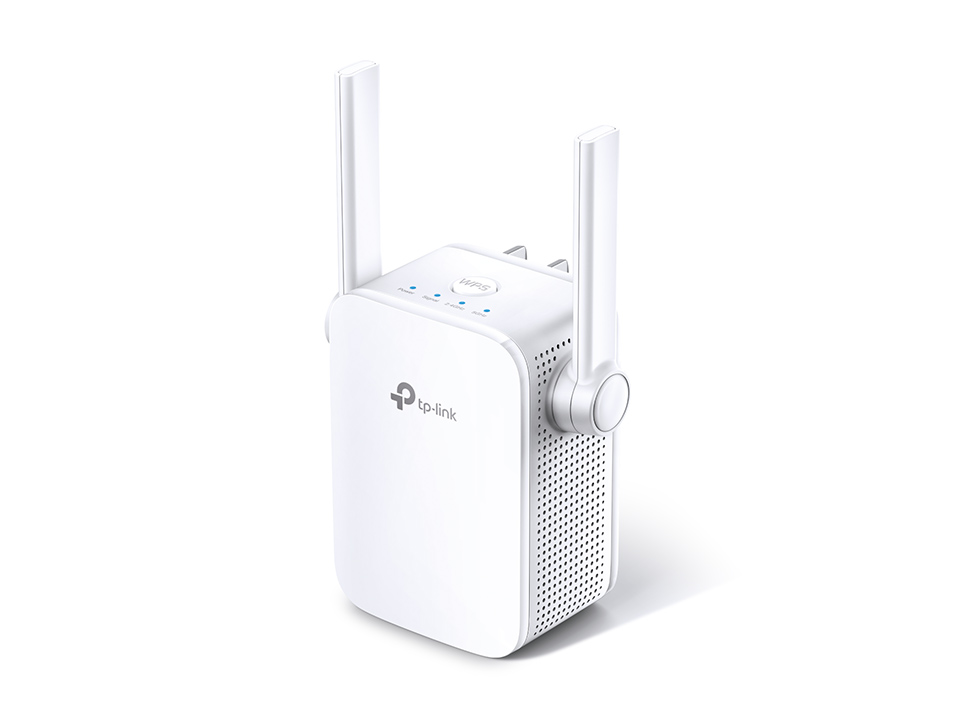
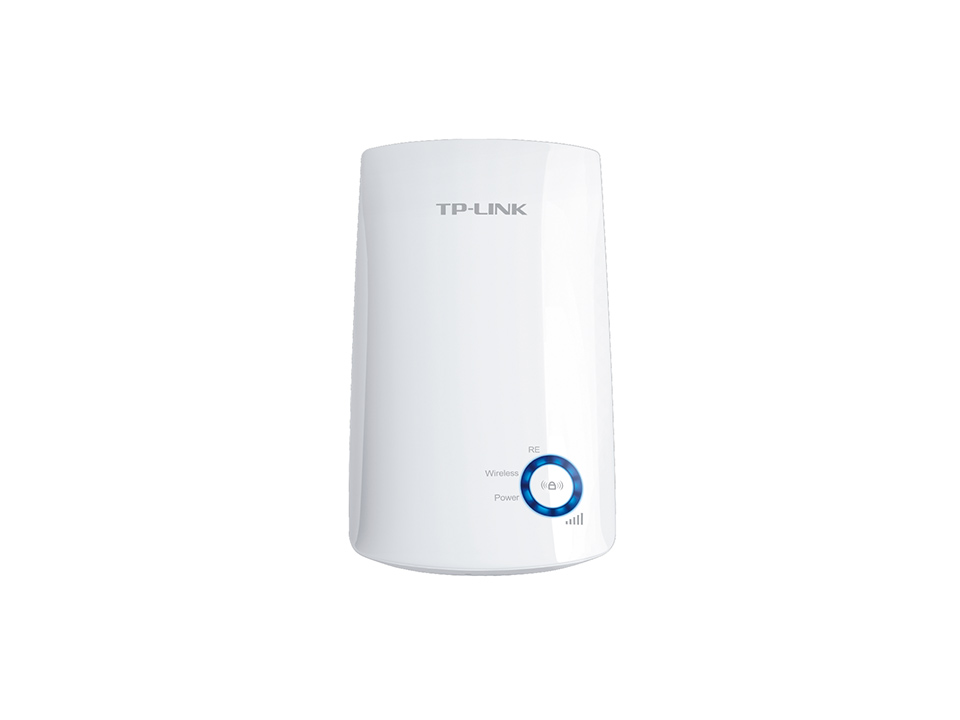
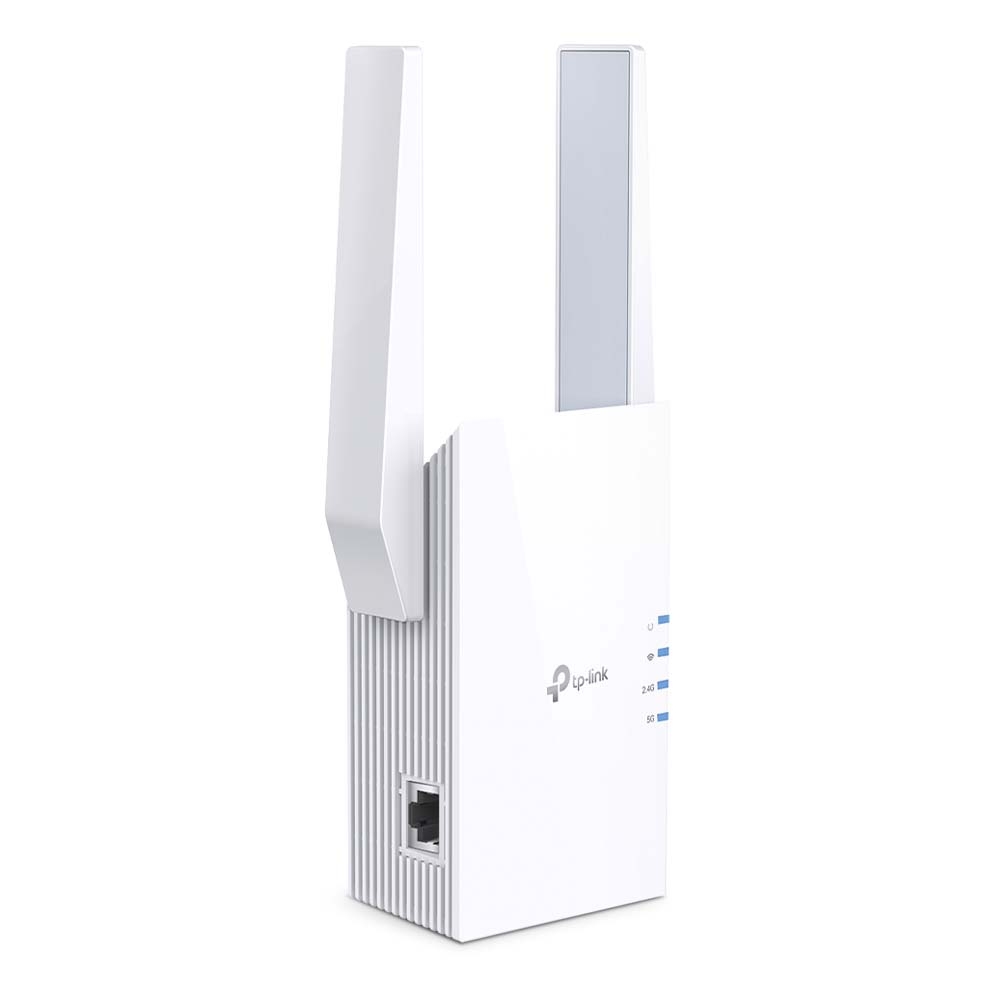
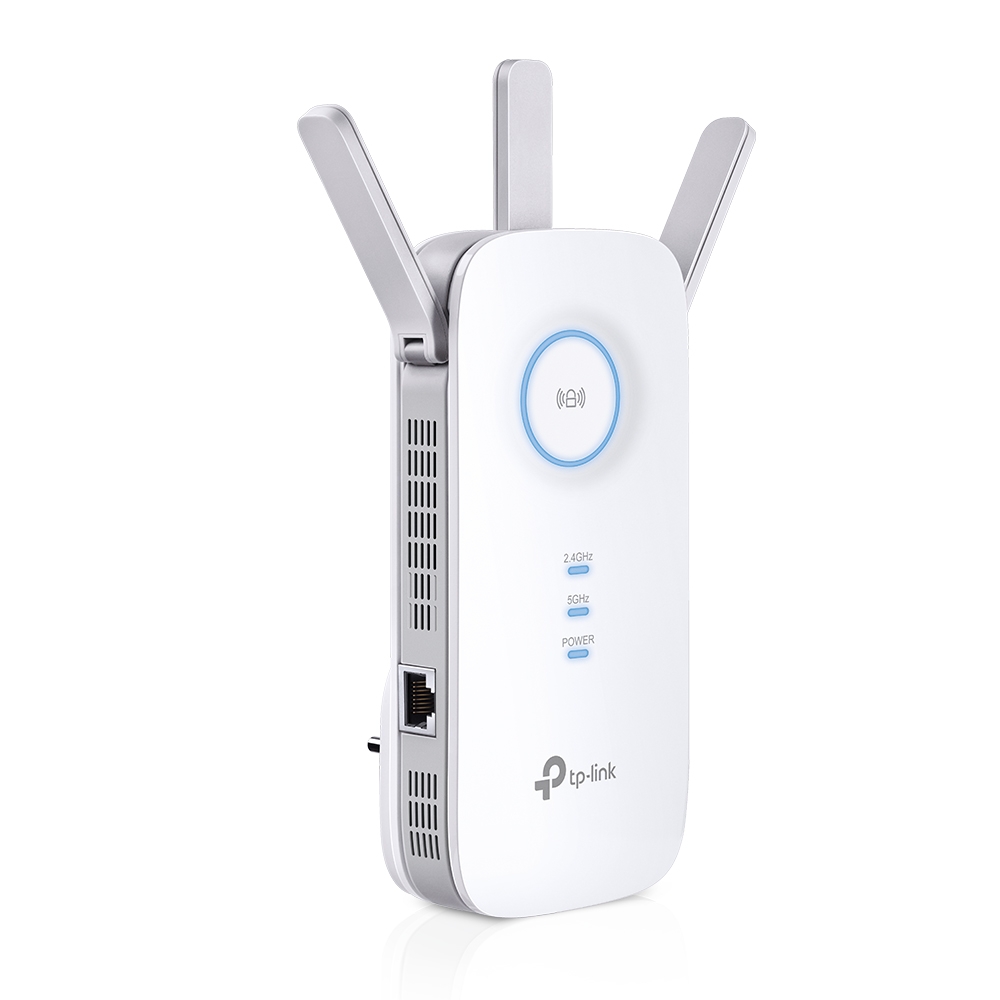
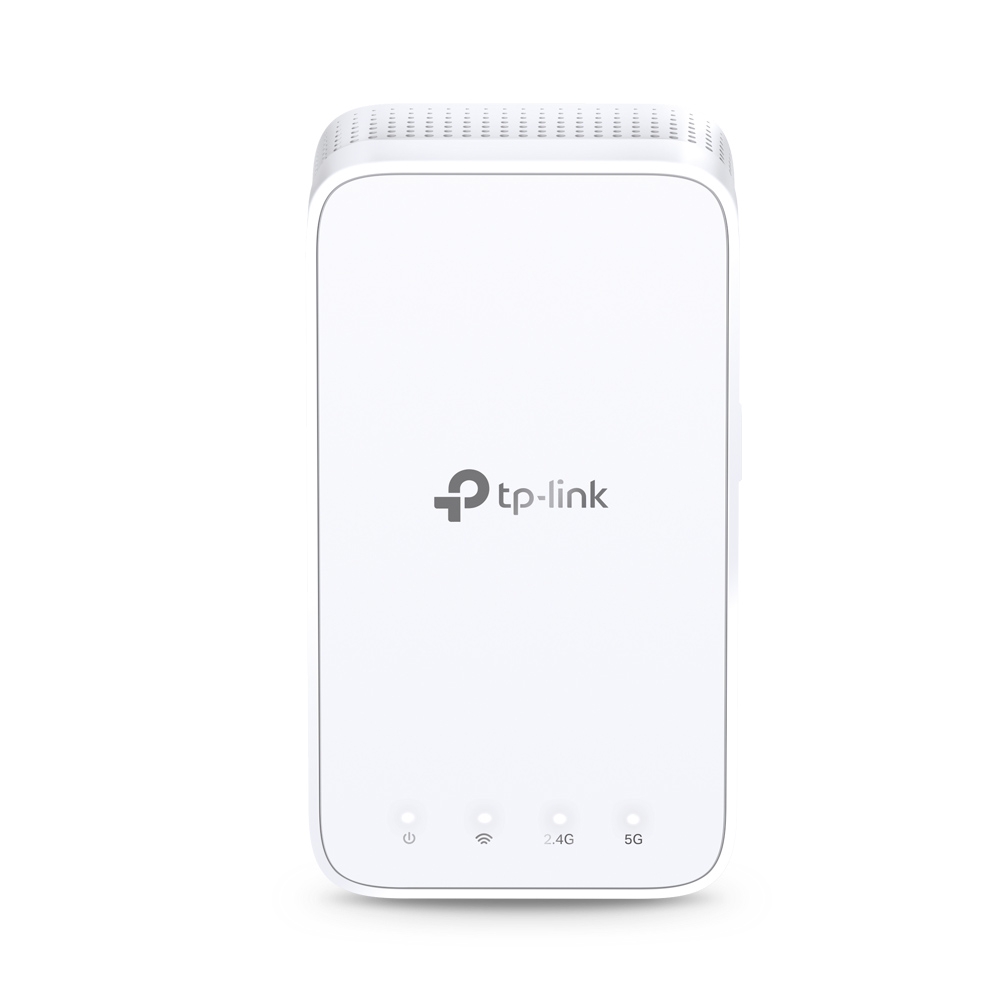
Extend Dual Band WiFi across Your Home AC1200 Mesh WiFi Range Extender RE300 Why Do You Need OneMesh? Range Extender? Can?t get WiFi in your bedroom? Add a WiFi Range Extender Lose connection while walking around the house? OneMesh? with Smart Roaming Network buffering all the time? AC1200 Dual Band Speed Network setup too complicated? Easy Setup with Only Two Steps Keep the Whole Home Connected RE300 wirelessly connects to your WiFi router, strengthening and expanding its signal into areas it can?t reach on its own. With speeds of up to 300 Mbps on 2.4 GHz and 867 Mbps on 5 GHz*, put strong, fast WiFi in every room and say goodbye to dead zones. WiFi Router or Access Point Range Extender with Built-In AC Plug Works with Any WiFi Router** 300 Mbps on 2.4 GHz 867 Mbps on 5 GHz TP-Link OneMesh? OneMesh? is a simple way to form a Mesh network with a single WiFi name for seamless whole-home coverage. Just connect a OneMesh? range extender to a OneMesh? router. No more searching around for a stable connection. Smart Roaming Uninterrupted streaming when moving around your home*** One WiFi Network Name No more switching WiFi network names Easy Creation OneMesh? Router OneMesh? Range Extender Unified Management Manage the whole unified network all in one Tether app Traditional Router with Extender OneMesh Router Range Extender Enjoy a Mesh Network with Your Existing Router Want a Mesh network? Deciding?whether to replace your existing router and buy a Mesh set? TP-Link OneMesh? resolves your dilemma. ? Update your existing TP-Link router?s firmware to OneMesh ?no need to replace your router. ? Connect the RE300 to the router. ? Enjoy your Mesh network. Archer A7 RE300 Whole Home Mesh WiFi High-Speed Dual Band WiFi without Drops in Speed 5 GHz 867 Mbps 2.4 GHz 300 Mbps Phone?Pad?Laptop Smart Bulbs?Smart Cameras?Smart Plugs Faster AC1200 Dual Band WiFi The RE300 lets you keep more devices connected simultaneously with its 2.4 GHz 300 Mbps and 5 GHz 867 Mbps dual bands* Without Adaptive Path Selection Adaptive Path Selection 2.4 GHz5 GHz2.4GHz5 GHz Keeps Itself Fast Adaptive Path Selection keeps your network running at top speed by automatically choosing the fastest connection path to the router. High Speed Mode 100% Boosted Speed 2.4 GHz 5 GHz 2.4 GHz 5 GHz High Speed Mode Use both WiFi bands to establish one super high speed connection, ideal for HD streaming & gaming. Secure One-Touch Connection for Easy Setup Step 1: Simply press the WPS button on your router and, within 2 minutes, the WPS button on RE300 to connect to the network. Step 2: Once connected, place the RE300 in a suitable?location. Notes: Please connect the extender to the router via the Tether app or Web UI if your router doesn?t support WPS. Press the WPS button Find the Best Location with the Smart Signal Indicator The smart signal indicator lets you see signal strength from your existing router at a glance. Easily to find the best place to position your range extender to extend your WiFi. White Strong signal Red Weak signal (Too far away from the router) Feature-Rich App for Control in Your Hands Set up and manage your WiFi through the TP-Link Tether app from your smartphone (Android, iOS), including TP-Link routers and range extenders. Specfication: HARDWARE FEATURES Standards and Protocols IEEE802.11ac, IEEE 802.11n, IEEE 802.11g, IEEE 802.11a, IEEE 802.11b Plug Type US Button WPS Button, Reset Button Input Power 100-240V~50/60Hz Power Consumption 7.3W?max power consumption? Dimensions ( W x D x H ) 4.9 x 2.7 x 2.0 in (124 x 69 x 52 mm) Antenna 2 Internal Antennas WIRELESS FEATURES Wireless Standards IEEE 802.11a/n/ac 5GHz, IEEE 802.11b/g/n 2.4GHz Frequency 2.4GHz & 5GHz(11ac) Signal Rate 5 GHz:Up to 867 Mbps 2.4 GHz:Up to 300 Mpbs Reception Sensitivity 5GHz? 11a 6Mbps:-91dBm@10% PER 11a 54Mbps: -74dBm@10% PER 11ac HT20 mcs8: -68dBm@10% PER 11ac HT40 mcs9: -63dBm@10% PER 11ac HT80 mcs9: -59dBm@10% PER 2.4GHz 11g 54M: -79dBm@10% PER 11n HT20 mcs7: -77dBm@10% PER 11n HT40 mcs7: -74dBm@10% PER Wireless Modes Wireless Functions Wireless Statistic Concurrent Mode boost both 2.4G/5G Wi-Fi band Access Control LED Control Domain Login Function Wireless Security 64/128-bit WEP WPA-PSK / WPA2-PSK Transmission Power <17dBm(2.4GHz) <17dBm(5GHz) OTHERS Certification FCC, RoHS Package Contents ? AC1200 OneMesh Wi-Fi Range Extender RE300 ? Quick Installation Guide Box Dimensions (W X D X H) 6.2 x 4.0 x 3.5 in. (156.5 x 101.5 x 89 mm) System Requirements Microsoft? Windows? 98SE, NT, 2000, XP, Vista or Windows 7, 8, 10, Mac? OS, NetWare?, UNIX? or Linux. Environment Operating Temperature: 0?C~40?C (32?F~104?F) Storage Temperature: -40?C~70?C (-40?F~158?F) Operating Humidity: 10%~90% non-condensing Storage Humidity: 5%~90% non-condensing