TP-Link 300MBPS WIRELESS N WALL PLATE ACCESS POINT | EAP115 Wall
$62.1
$76.38
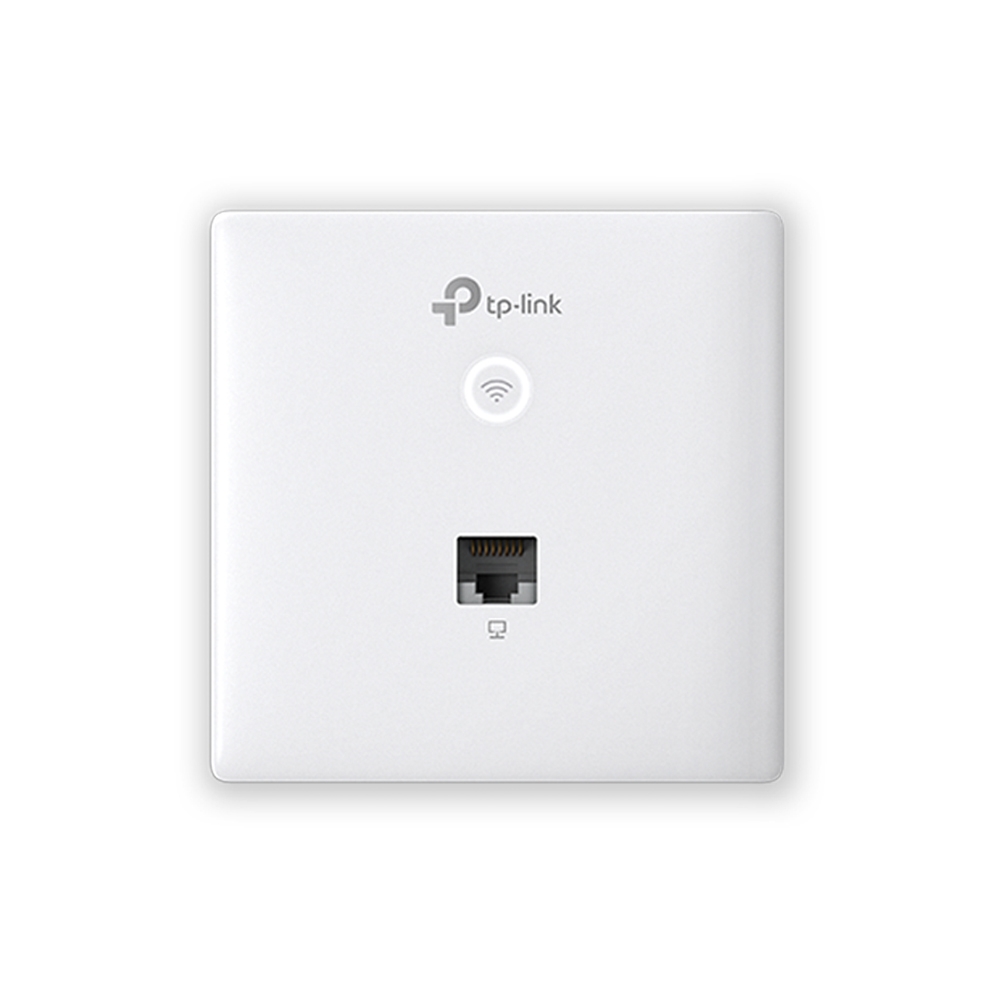
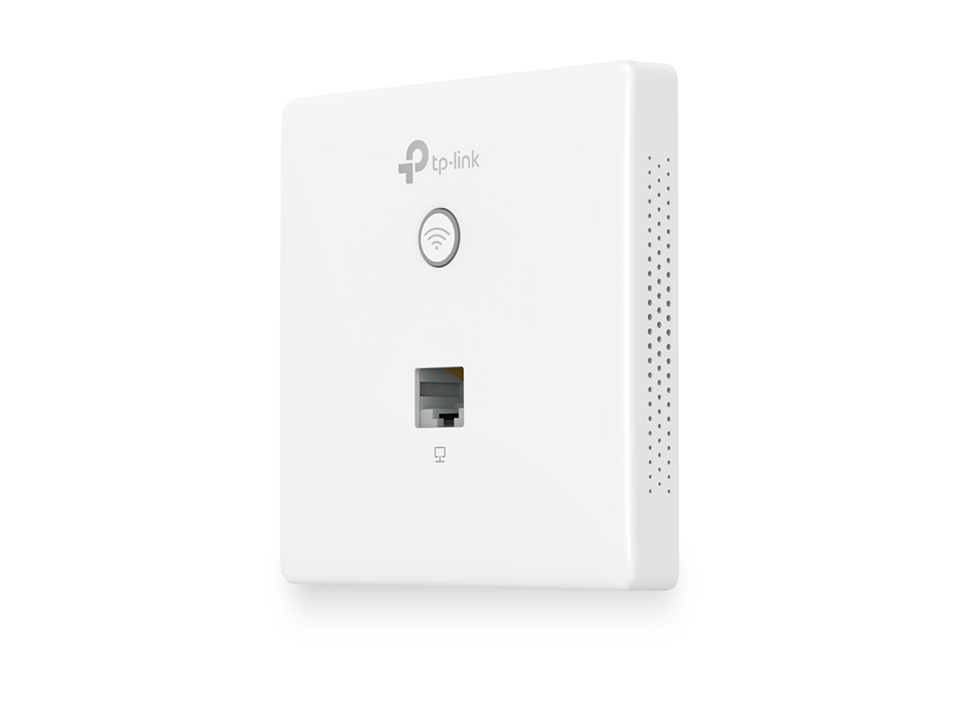
Subtle Wall Design, Excellent Wi-Fi Access EAP115-Wall Installation Made Easy Detach the faceplate of the junction box* with a screwdriver. Remove the faceplate of the EAP. Connect an in-wall Ethernet cable to the Uplink POE port. Secure the access point to the wall using the nails provided. Press the faceplate back into position. *Fits two kinds of junction box 86mm wall junction box Standard EU wall junction Perfectly Formed The EAP115-Wall would blend seamlessly into any business setting with a refined, minimalist appearance. A slimline design includes casing that’s just 11 mm in thickness. 11 mm Effortless Deployment With 802.3af Power over Ethernet supported there’s no need for additional wiring. Simply plug in existing Ethernet cables and you’re ready to go. Instant Deployment PoE 802.3af Complete Wireless Coverage An EAP in each room guarantees a strong wireless signal and allows guests to enjoy their own private Wi-Fi network. Cloud Centralized Management – Anytime, Anywhere Omada Cloud Controller OC200 and Omada Software Controller make it easy to manage and monitor the whole Omada network in real-time, while cloud service enables remote and secure access no matter where you find yourself. Easy Management with the Omada App Follow configuration instructions on the free Omada app to get set up in minutes. Omada lets you configure settings, monitor the network status and manage clients, all from the convenience of a smart phone or tablet. Specification: HARDWARE FEATURES Interface 10/100Mbps Ethernet (RJ-45) Port *2 Physical Security Lock – Button LED/Wi-Fi Button、RESET Power Supply PoE(IEEE 802.3af) Power Consumption 2.8 W Dimensions ( W x D x H ) 3.4×3.4×1.2 in. (86.8*86.8*30.2 mm) Antenna Type Internal 2*1.8dBi Omni Mounting Wall Plate Mounting Hardware Watch Dog Yes WIRELESS FEATURES Wireless Client Capacity 100 * Wireless Standards IEEE 802.11n/g/b Frequency 2.4GHz Signal Rate 11n: Up to 300Mbps(dynamic) 11g: Up to 54Mbps(dynamic) 11b: Up to 11Mbps(dynamic) Transmit Power CE: ≤20dBm(2.4GHz) Wireless Functions Multiple SSIDs(Up to 8 SSIDs) Enable/Disable Wireless Radio Automatic Channel Assignment Transmit Power Control (Adjust Transmit Power on dBm) QoS(WMM) Load Balance Rate Limit Reboot Schedule Wireless Schedule Wireless Statistics based on SSID/AP/Client Wireless Security Captive Portal Authentication Access Control Wireless Mac Address Filtering Wireless Isolation Between Clients SSID to VLAN Mapping Local LAN port based VLAN Rogue AP Detection 802.1X Support 64/128/152-bit WEP / WPA / WPA2-Enterprise, WPA-PSK / WPA2-PSK MANAGEMENT Omada App Yes Centralized Management • Omada Hardware Controller (OC300) • Omada Hardware Controller (OC200) • Omada Software Controller Cloud Access Yes. Requiring the use of OC300, OC200, or Omada Software Controller. EAP Controller Software Yes Email Alerts Yes LED ON/OFF Control Yes Management MAC Access Control Yes SNMP v1,v2c System Logging Local/Remote Syslog Local/Remote Syslog Telnet Yes SSH Yes Web-based Management HTTP/HTTPS L3 Management Yes Multi-site Management Yes Management VLAN Yes OTHERS Certification CE, RoHS Package Contents 300Mbps Wireless N Wall-Plate Access Point EAP115-Wall Installation Guide Mounting Screw System Requirements Microsoft Windows XP, Vista, Windows 7, Windows 8, Windows10 Environment Operating Temperature: 0℃~40℃ (32℉~104℉) Storage Temperature: -40℃~70℃ (-40℉~158℉) Operating Humidity: 10%~90% non-condensing Storage Humidity: 5%~90% non-condensing