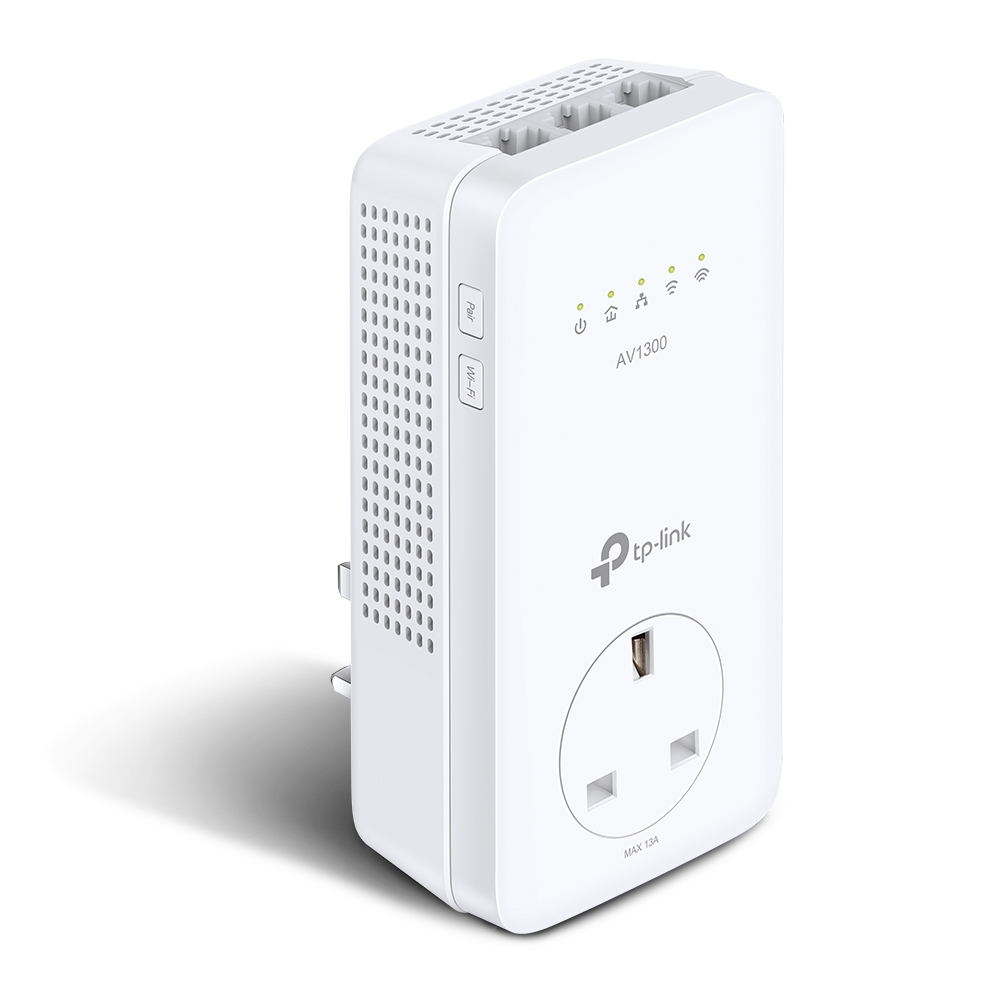
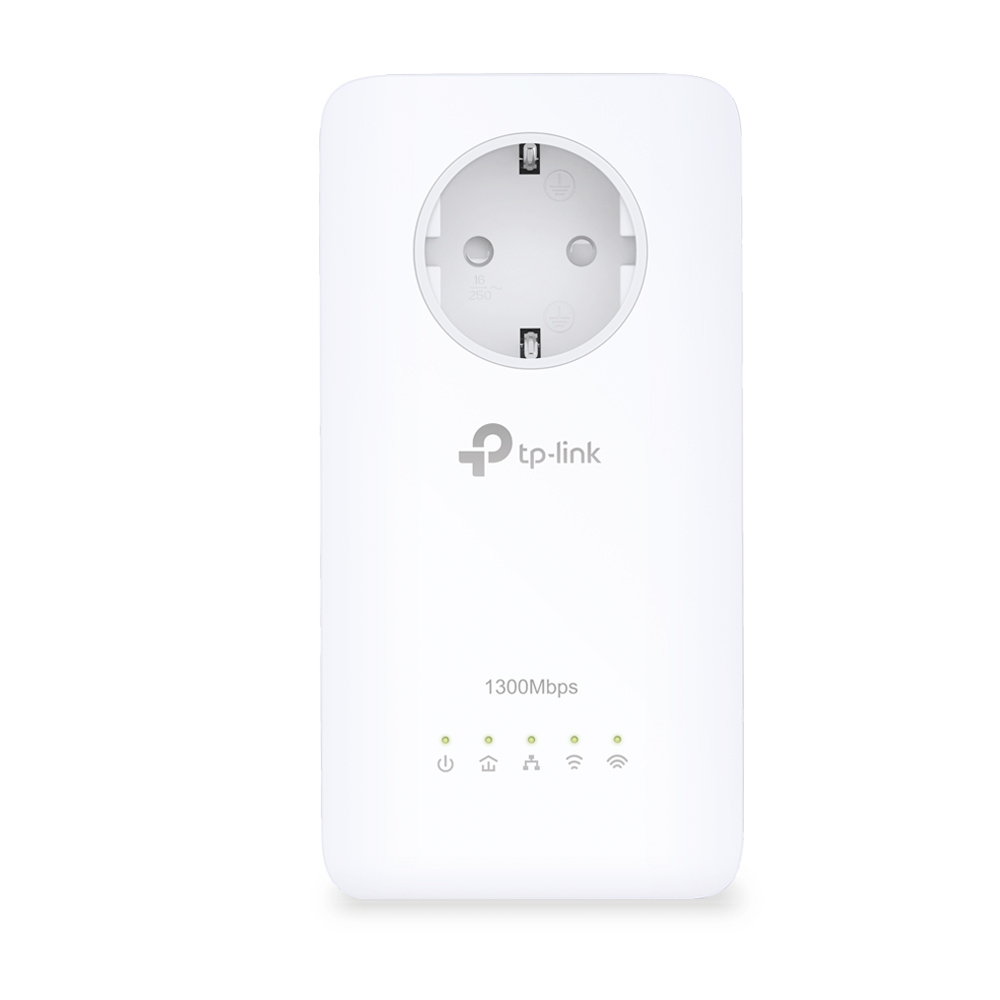
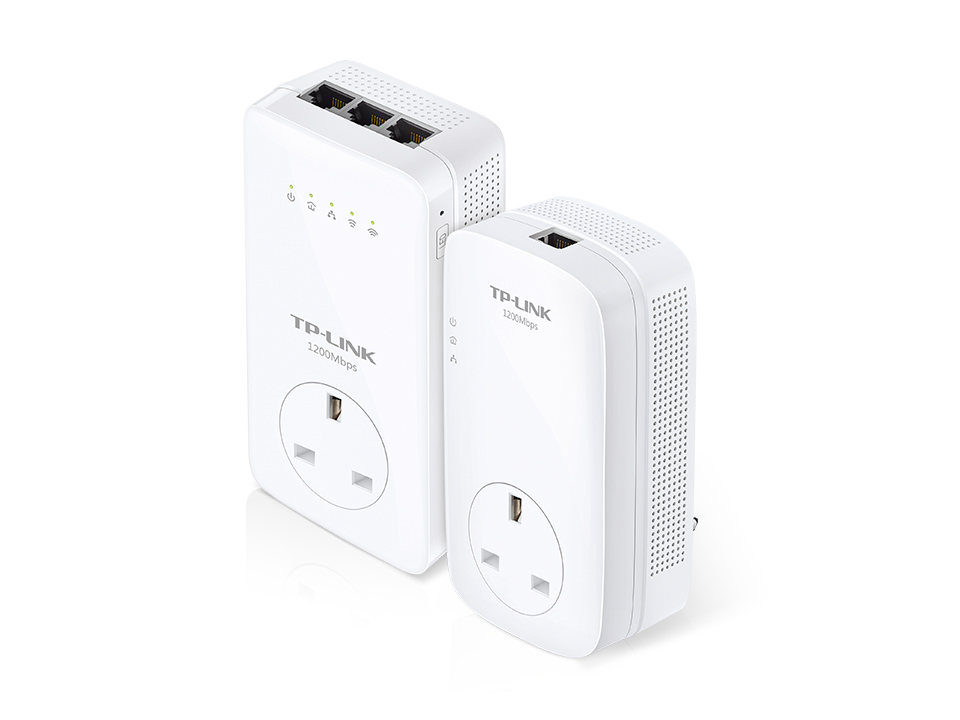
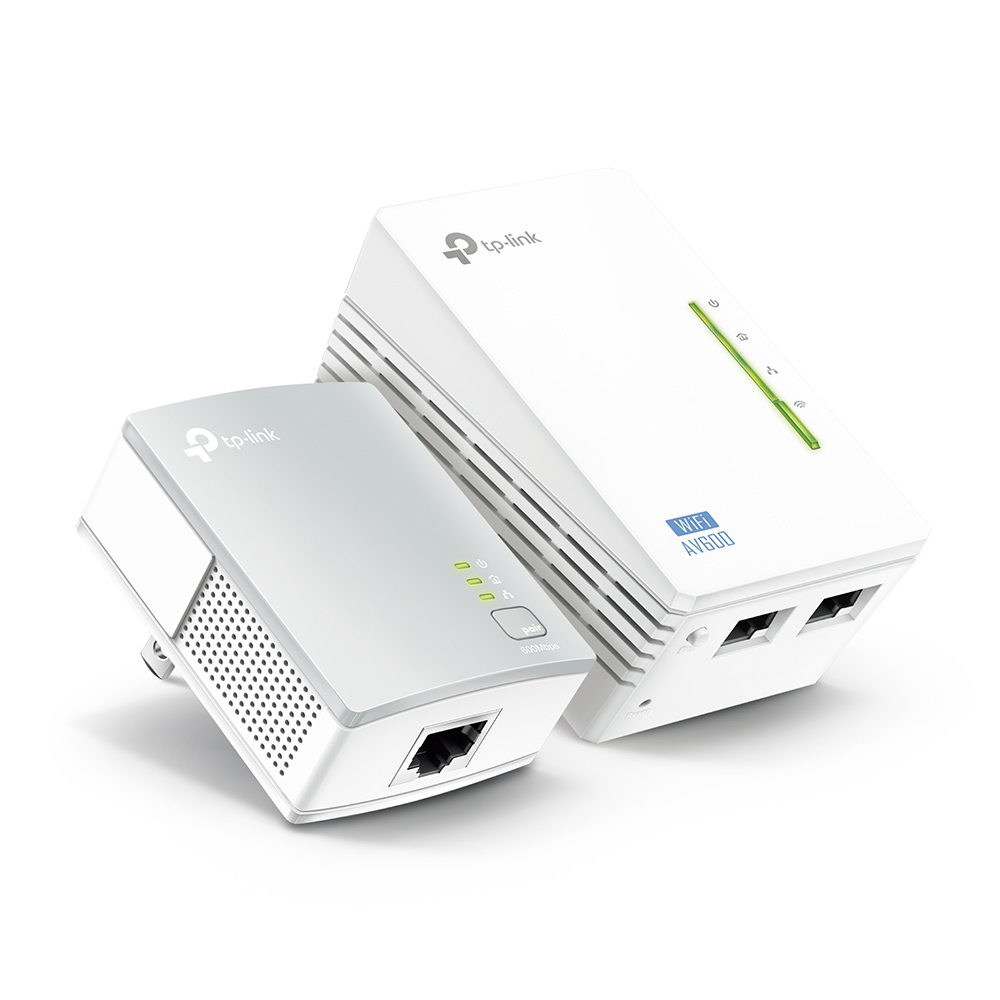
Enjoy Excellent Wi-Fi Coverage Throughout Your Home Expand your Wi-Fi network using your home?s existing powerlines. Plug in the TL-WPA8630P to transmit an internet connection to any area in your home and share that connection with all of your favorite wired and wireless devices. A unified network keeps your connection stable, even as you move around the house. ?Powerline ?Ethernet Cable ?5GHz ?2.4GHz TL-WPA8630P TL-WPA8630P TL-PA8010P up to 1200?Mbps 2.4GHz?300Mbps? 5GHz?867Mbps? Fast Dual Band Wi-Fi Speeds Fast Dual Band Wi-Fi Speeds Up to 1200Mbps Enjoy wireless speeds of up to 1200Mbps, including 867Mbps on the 5GHz band and 300Mbps on the 2.4GHz band. The TL-WPA8630P allows you to effortlessly extend your Wi-Fi network using your home?s electrical wiring. A unified powerline network supports seamless streaming video, action-packed online gaming, and stable web browsing on tablets, laptops, and smartphones in hard-to-reach places throughout your home. Excellent Powerline Transfer Speed Up to 1200Mbps The advanced HomePlug AV2 standard allows the extender to support 2×2 MIMO* with Beamforming Technology, providing users with ultra-fast data transfer speeds of up to 1200Mbps. This is ideal for supporting Ultra HD streaming video, online gaming, large file transfers, and other bandwidth-intensive activities on multiple devices simultaneously. up to 1200?Mbps AV1?500Mbps? AV2?1200Mbps? Excellent Powerline Transfer Speed 2X2 MIMO with Beamforming More Stable Connections 2×2 MIMO is like adding extra lanes to a highway. It established multiple simultaneous connections, allowing you to enjoy higher speeds and greater stability. Better Long Distance Performance 2X2 MIMO with Beamforming Technology also offers the benefit of improved coverage throughout the home, particularly for previously hard to reach outlets. MIMOSISO *The MIMO functionality that accompanies the HomePlug AV2 standard significantly improves data transfer rates, especially during peak use hours. Plug, Pair and Play! Plug the TL-PA8010P into the wall and use an ethernet cable to connect it to the router. Plug the companion TL-WPA8630P into the desired power outlet. Press the ?Pair? button on both adapters to create a secure network. Congratulations! You can now start enjoying fast, seamless wired and wireless connections. * Powerline adapters need to be connected to the same electrical circuit. Unify Your Network with the Wi-Fi Clone Button The TL-WPA8630P can automatically copy the wireless network name (SSID) and password of your main router with the touch of a button. After pressing the Wi-Fi Clone button, you can place the powerline adapter anywhere and start enjoying a seamless network that extends throughout your entire home or office. Easily Add Additional Extenders Using the Auto Sync Function To add more extenders to your powerline network, just press the pair button on both devices. Once this process is complete, you can manage the entire powerline network from any device and the changes will be synchronized on all network devices automatically. Ease of Use1 Wi-Fi Clone2 Auto-Sync3 Extra Power Socket The integrated power socket (up to 16A*) means that you can still get power from the outlet for your other devices. Just plug your device into the integrated socket the same way you would with a normal wall outlet.?Moreover, the built-in noise filter helps to eliminate electrical signal noise that might otherwise affect powerline transmission performance. *Power output of up to 16A is suitable for television, laptop, game console, and even high-power electrical appliances. More Gigabit Ethernet Ports, More Devices Equipped with three gigabit Ethernet ports, the TL-WPA8630P allows you to provide wired Internet connections for your high performance devices, including PCs, game consoles, smart TVs, and media receivers.?To start enjoying high-speed access on all of your favorite devices, simply plug them into the TL-WPA8630P using standard network cables. Now you can easily add devices to your network and get more from your Internet connection. Distracted by Blinking LEDs? You can easily turn off the LED indicators by pressing the LED On/Off button or control them remotely using the tpPLC App on your mobile device or the tpPLC Utility on your computer.